Batch edit photos for Instagram (2026)
To batch edit photos for Instagram, finish one representative RAW image, sync only the adjustments the set should share, and review each photo before export. Matching the look does not require identical exposure or white balance values.
Choose and finish a reference
Group photos by lighting. Open a well-exposed reference in RevelRaw, choose a preset, then refine exposure, white balance, tone and color. Keep that reference open while selecting the photos that should receive its settings.
Select the targets and open Sync Settings
Command-click target thumbnails in the filmstrip; Shift-click selects a range. These modifier clicks keep the reference open. Choose Photo → Sync Settings… (Shift–Command–S). Check the number of target photos. Select Look for the shared treatment: it also copies exposure, contrast, color, tone curve and sharpening together. You cannot exclude exposure separately from Look. Add White Balance or Denoise only when appropriate; leave the other groups unchecked for this workflow.
Apply, then correct each photograph
Confirm Sync N Photos. Review each target and correct exposure, white balance and sharpening for that frame. A shared Look can overexpose a brighter photo. Crop each composition individually; syncing Crop works only between photos with the same pixel dimensions. Command–Z undoes the batch sync in one step.
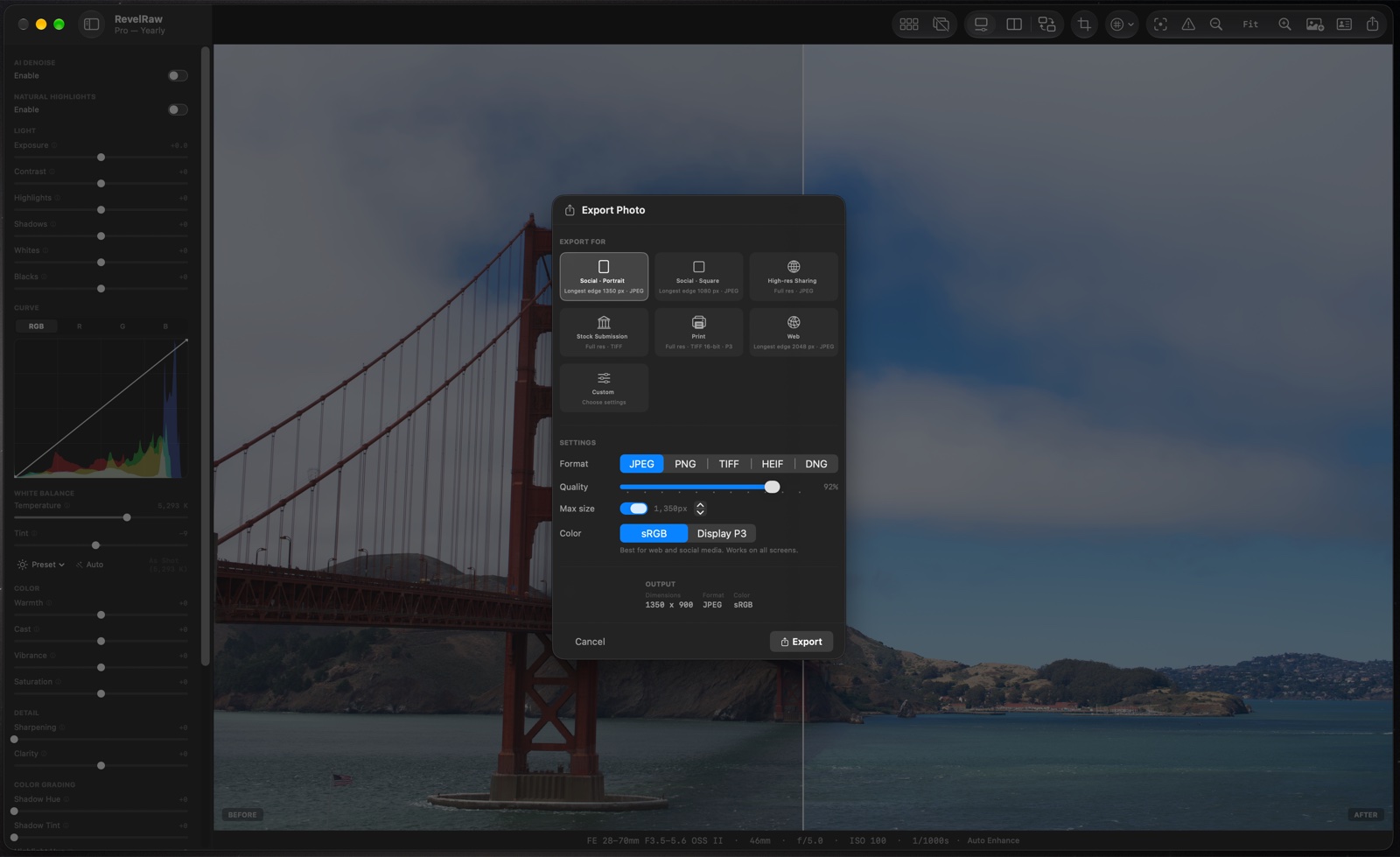
Export your finished photos
Opening, editing and syncing are free. The download includes one full-quality single-photo export. Unlimited exports and batch export require Pro. Use the included export to check one finished file on the device you publish from.
Questions before you start
Can I try a whole set before buying Pro?
Yes. Opening, editing, comparing and syncing photos are free. One full-quality single-photo export is included; unlimited exports and batch export require Pro.
Will one preset make every photo match?
No. A preset provides a shared starting point. Differences in lighting, exposure and subject colors still need individual corrections.
Can I use iPhone ProRAW with camera RAW files?
Yes. RevelRaw supports ProRAW DNG and camera RAW formats including ARW, CR3, NEF and RAF. Check your camera model and RAW mode with your own files before buying.
Does RevelRaw publish my posts or edit video?
No. This is a Mac workflow for editing and exporting still photos. Transfer the finished files and publish them yourself in Instagram, TikTok or another app.