Consistent Instagram photos (2026)
Consistent Instagram photos share visual decisions: the feel of the light, the palette and the treatment of contrast. Use a reference photo to guide those decisions; adapt the corrections to each scene instead of forcing every image through identical settings.
Define a look you can recognize
Choose a small set of your own photos that already feel right together. Describe the common choices: warm or cool neutrals, soft or deep shadows, restrained or vivid colors. Keep those notes beside a reference image. A recognizable style can still include daytime, night, portraits and products.
Choose a starting look, then correct it
Choose a RevelRaw preset, then correct exposure and white balance for the subject and refine tone and color. Choosing a different preset can replace earlier exposure and color adjustments, so recheck them if you switch. A preset cannot decide which product color must stay exact or how warm an indoor scene should feel.
Adapt when the light changes
If a daylight preset makes an indoor portrait orange, adjust white balance and skin color before adding saturation. If a shaded detail looks flat, refine exposure and contrast without crushing the shadows to match a sunny frame. Keep the shared color direction while allowing different brightness values.
Review the set, then each photo
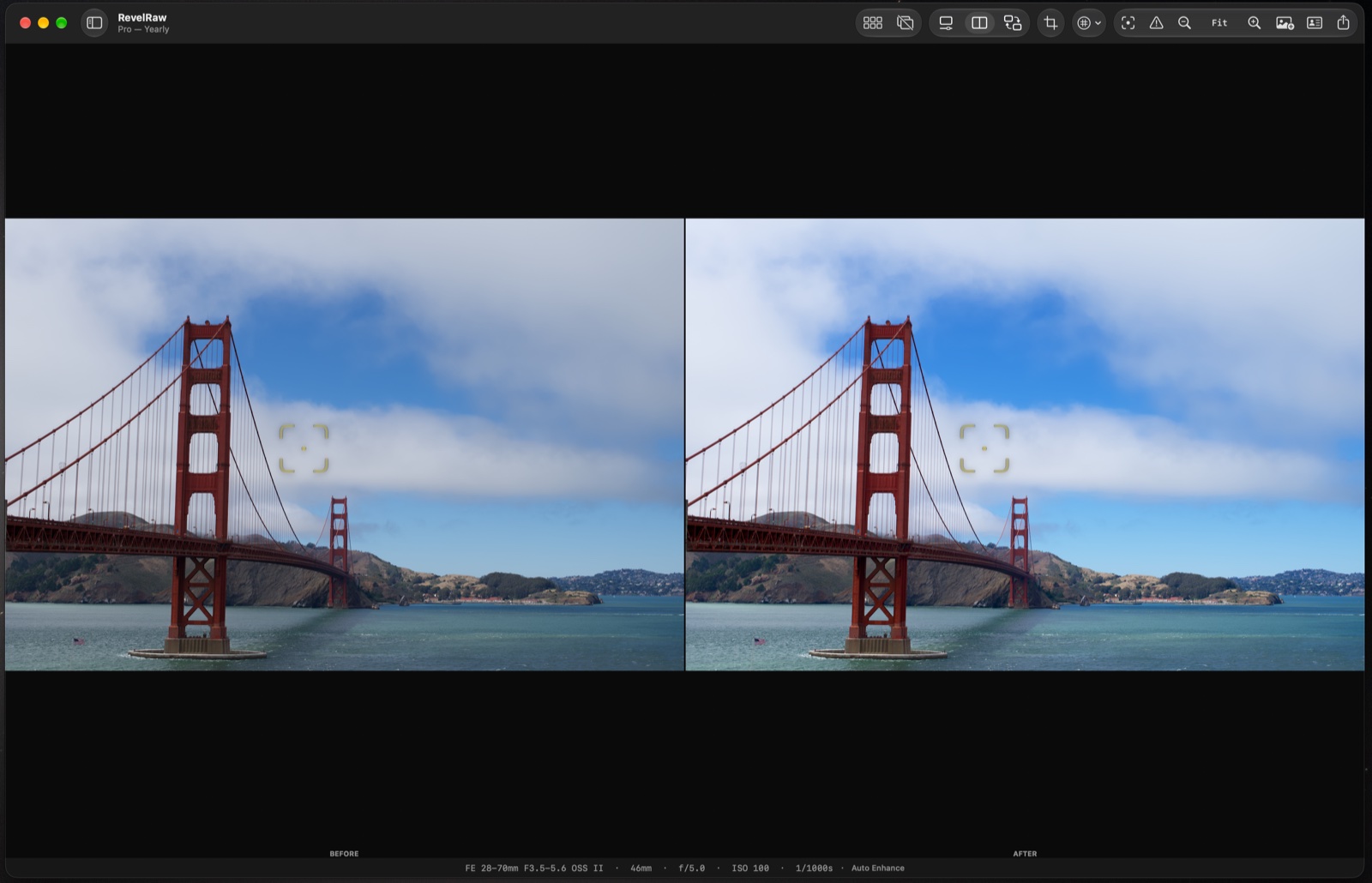
Move through the set and compare each edit with its original. Pay attention to neutral walls, skin and recurring objects: they reveal color drift better than unrelated backgrounds. Export a test image and inspect it on the device you publish from. Adjust your reference when your creative direction changes; consistency should serve the photos.
Questions before you start
Can I try a whole set before buying Pro?
Yes. Opening, editing, comparing and syncing photos are free. One full-quality single-photo export is included; unlimited exports and batch export require Pro.
Will one preset make every photo match?
No. A preset provides a shared starting point. Differences in lighting, exposure and subject colors still need individual corrections.
Can I use iPhone ProRAW with camera RAW files?
Yes. RevelRaw supports ProRAW DNG and camera RAW formats including ARW, CR3, NEF and RAF. Check your camera model and RAW mode with your own files before buying.
Does RevelRaw publish my posts or edit video?
No. This is a Mac workflow for editing and exporting still photos. Transfer the finished files and publish them yourself in Instagram, TikTok or another app.